An IPTV player made for iPhone and iPad
Live TV, movies and series from your own playlist, in a native app with Picture in Picture, AirPlay and Chromecast. No ads, no limits.
Add your playlist in a minute
Choose how you connect
Open AREZTV and pick Xtream Codes, M3U Import or Stalker Portal, whichever your provider gave you.
Enter your details
Paste the playlist link, enter your Xtream Codes server, username and password, or the Stalker portal URL and MAC address. You can also pick a .m3u file saved on your iPhone or iPad.
Test and save
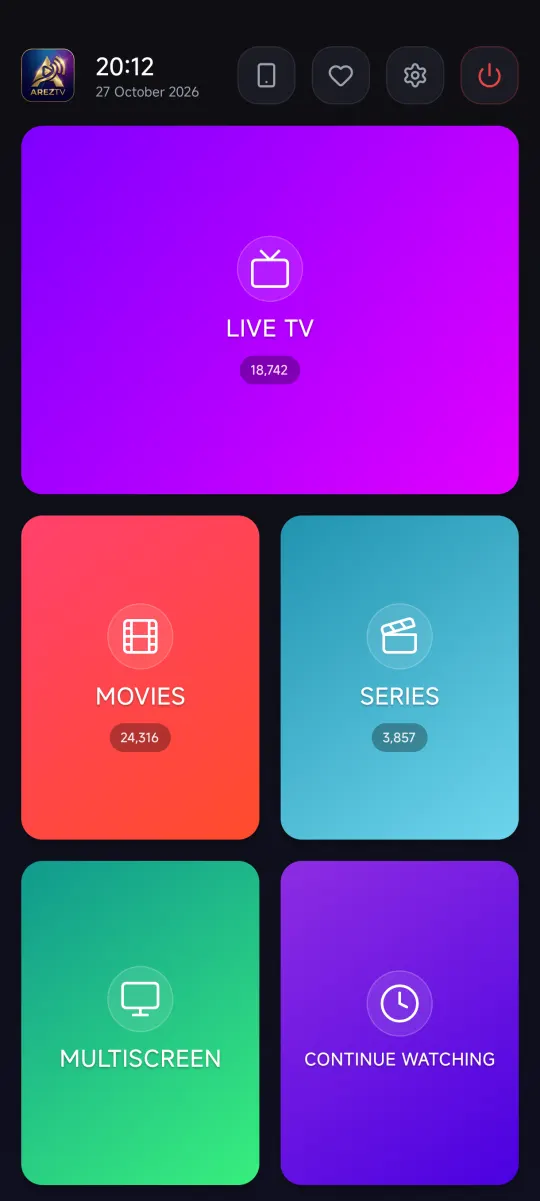
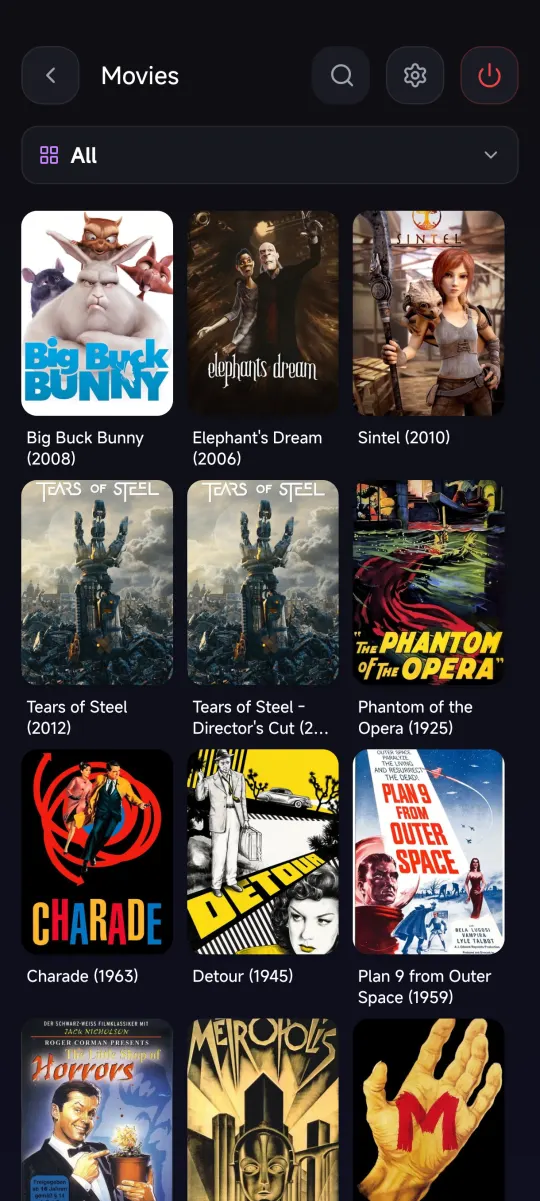
Tap Test Connection, then Save and Continue. AREZTV sorts your playlist into Live TV, Movies and Series.
Keep watching while you do other things
- Picture in Picture keeps the video in a floating window while you use other apps
- AirPlay and Chromecast send the video to your TV
- Portrait and landscape layouts on iPhone, and roomy layouts on iPad
- Haptic feedback that feels native on your device
Everything a premium player should have
- Multiscreen: up to four channels on one screen
- Universal search across channels, movies and series
- Continue watching, favorites and watch history
- Parental control with a 4-digit PIN and locked categories
- Subtitle size, font and character encoding options
- Buffer modes for fast or slow connections
Your iPhone is also the remote for your TV
Pair your phone with AREZTV on Apple TV by scanning a QR code. Your playlists move to the TV and your phone controls playback. See how pairing works.
AREZTV is a media player only. It does not include any channels or content. You need the playlist or login details from your own IPTV provider.
Questions
Does AREZTV work on iPad?
Yes. AREZTV runs on iPhone and iPad, with layouts that adapt to portrait and landscape.
Can I use an M3U file saved on my iPhone?
Yes. When adding an M3U playlist, tap Pick Local File. The file must be a .m3u or .m3u8 file that starts with the #EXTM3U header.
Can I watch on my TV from my iPhone?
Yes. Use AirPlay or Chromecast from the player, or pair with AREZTV on Apple TV and use your iPhone as the remote. See the casting guide.
Does AREZTV include channels?
No. AREZTV is a media player only. It plays the playlist from your own IPTV provider.

Get AREZTV
On iPhone, iPad and Apple TV, and on Android phones and tablets.