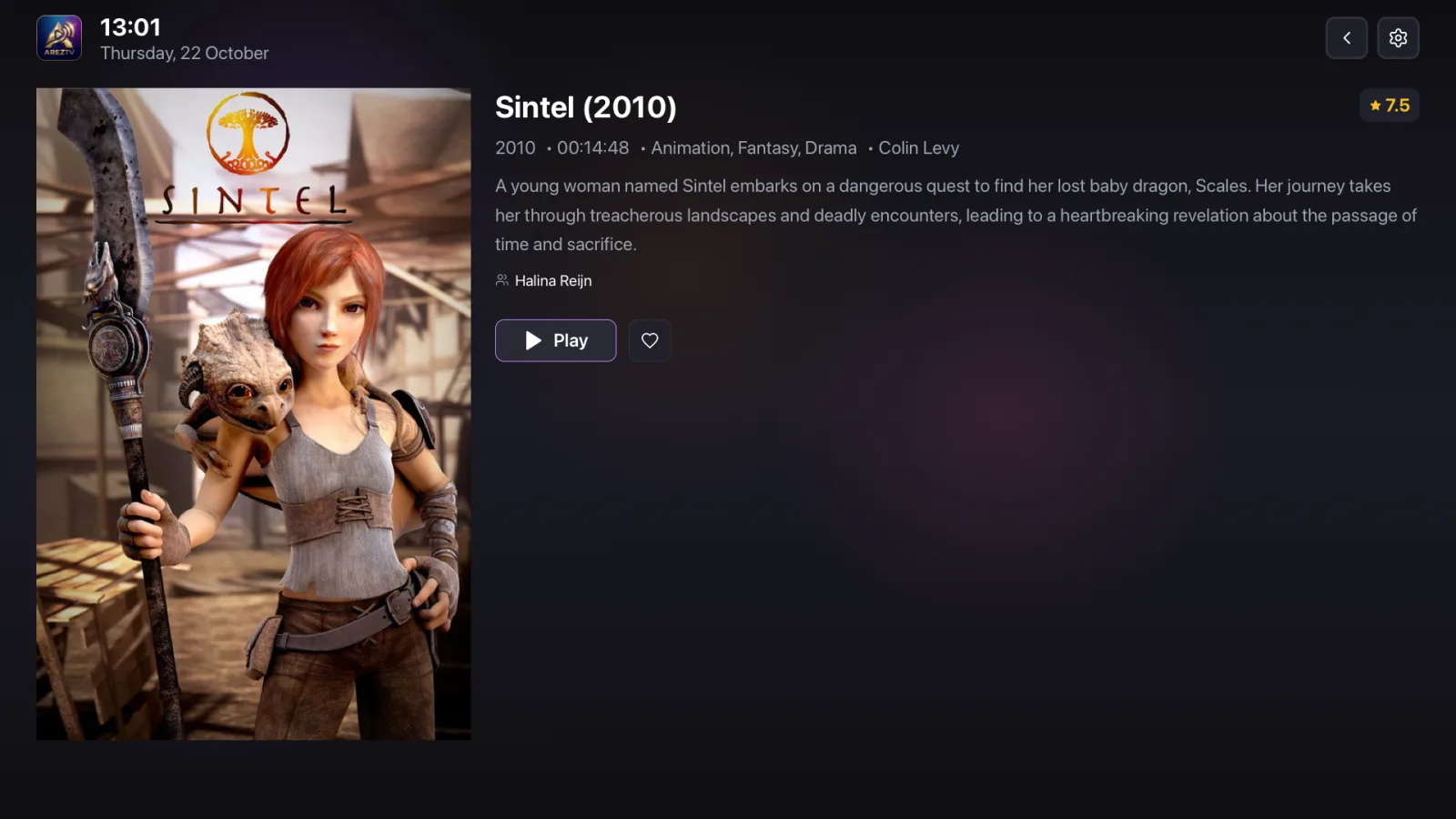
The IPTV player for Apple TV that you set up from your phone
No typing long links and passwords with the Siri Remote. Add your playlist on your phone, scan the QR code on the TV, and your live TV, movies and series are ready on the big screen.
Set up in three steps
Need help with the details? See adding an M3U playlist, logging in with Xtream Codes and pairing your phone.
Install AREZTV on Apple TV and on your phone
Get it from the App Store on Apple TV. On your phone, use the App Store on iPhone or Google Play on Android.
Add your playlist on the phone
Choose Xtream Codes, M3U Import or Stalker Portal and enter the details from your IPTV provider.
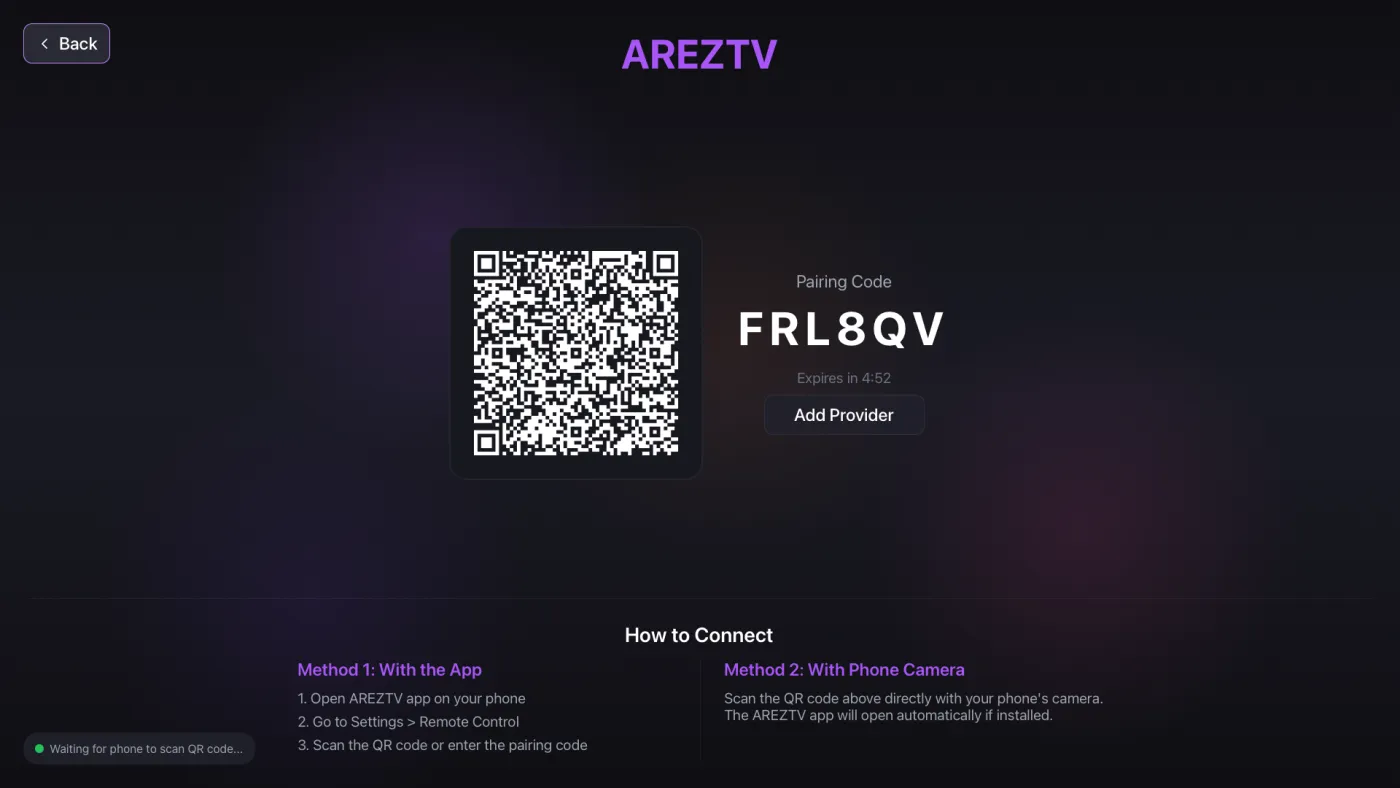
Scan the QR code on the TV
AREZTV on Apple TV shows a QR code and a pairing code. Scan it with your phone and confirm. Your playlists move to the TV.
Built for the living room
- Live TV organized by category, with smart categories by genre, country and type
- Movies with posters and descriptions, series by season and episode
- Continue watching, favorites and watch history
- Multiscreen: up to four channels on one screen
- Large, readable text and full remote navigation
- Universal search across channels, movies and series
Your phone is the remote
After pairing, choose Take Control on your phone. What you pick on the phone plays on the TV, and you can pause, change the volume and switch channels without looking for the Siri Remote.
Plays what your provider sends
| Playlists | M3U and M3U8 by URL, Xtream Codes API with username and password, Stalker portals |
|---|---|
| Streams | HLS, MPEG-TS and RTMP, over HTTP and HTTPS |
| Video files | MP4, MKV, AVI, TS and more, with automatic format detection |
| Playback | Adjustable buffer for your connection, automatic reconnection |
| App languages | English, Turkish, Arabic, Russian, Portuguese, Spanish, German, French, Vietnamese |
AREZTV is a media player only. It does not include any channels or content. You need the playlist or login details from your own IPTV provider.
Questions
Can I add a playlist directly on Apple TV?
AREZTV on Apple TV receives its playlists from your phone. Add the playlist in the phone app once, then scan the QR code on the TV. You never type a long link or password with the remote.
Does AREZTV on Apple TV support Stalker portals?
Yes. Add the Stalker portal on your phone with its portal URL and MAC address, then pair. The TV receives it together with your other playlists.
Can I watch four channels at once on Apple TV?
Yes. Multiscreen shows two, three or four channels on one screen. Each channel uses one connection from your IPTV subscription, so check how many connections your provider allows. See the Multiscreen guide.
Does AREZTV include channels?
No. AREZTV is a media player only. It plays the playlist from your own IPTV provider.

Get AREZTV
On iPhone, iPad and Apple TV, and on Android phones and tablets.